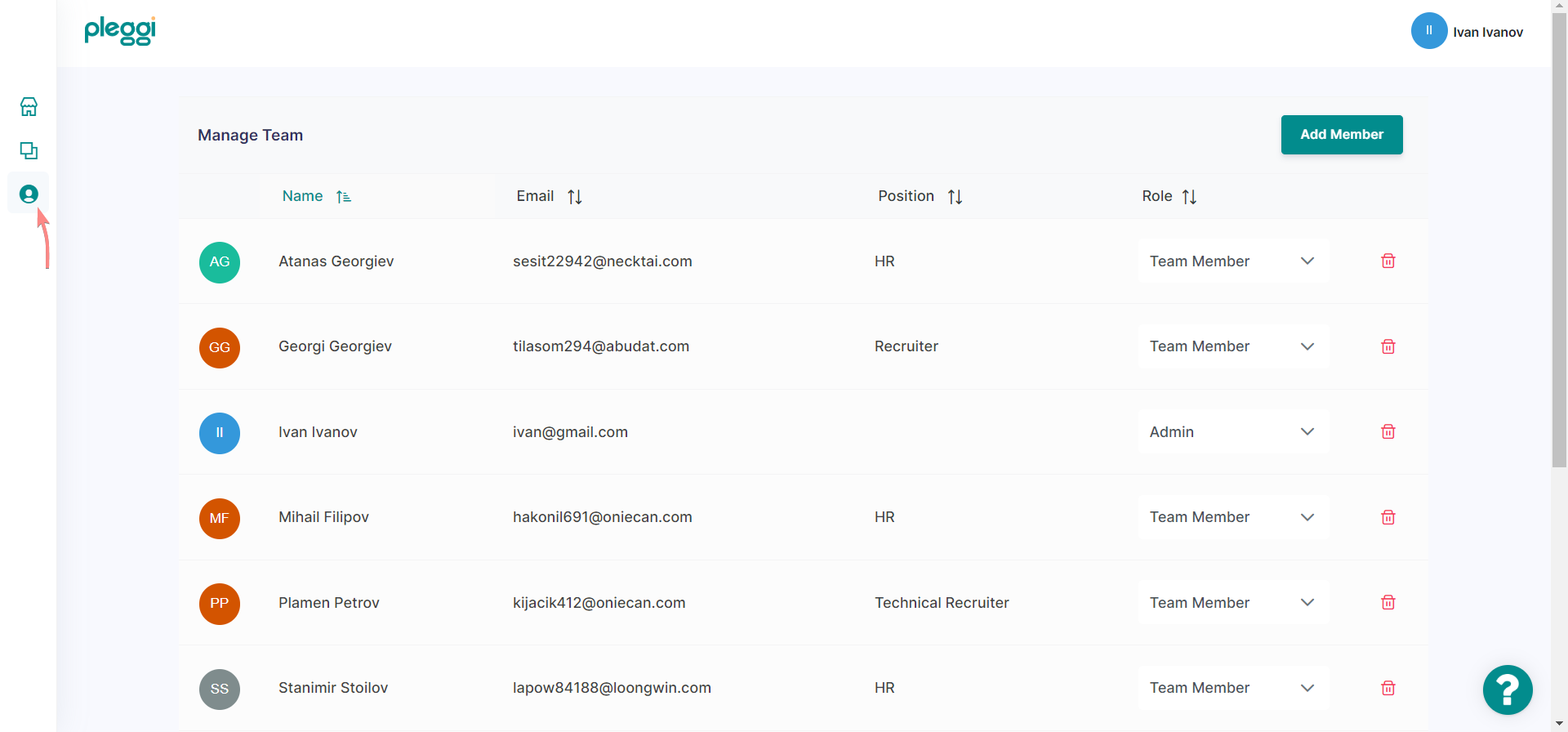
1. Click on the "Recruitment team" tab
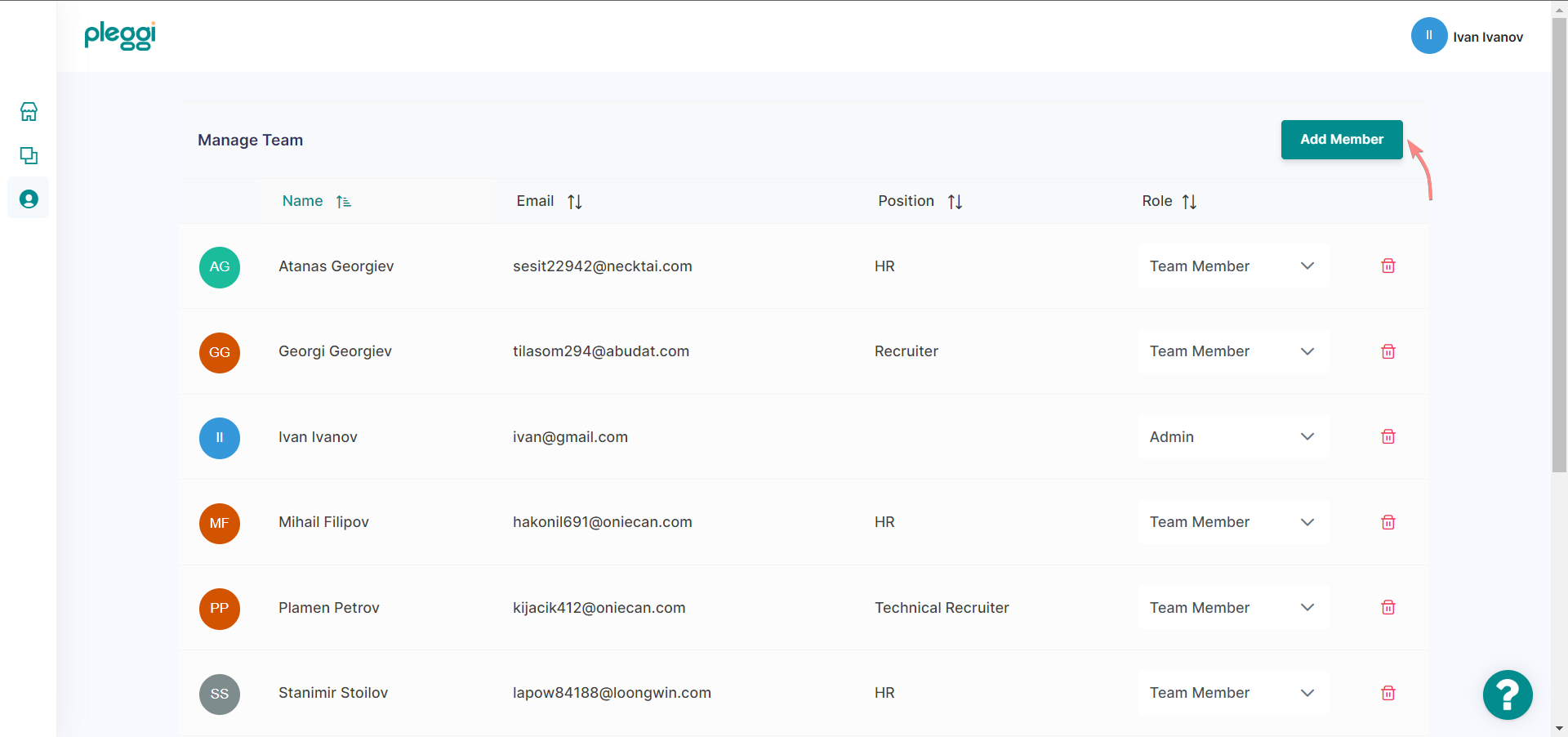
2. Click on the "Add member" button
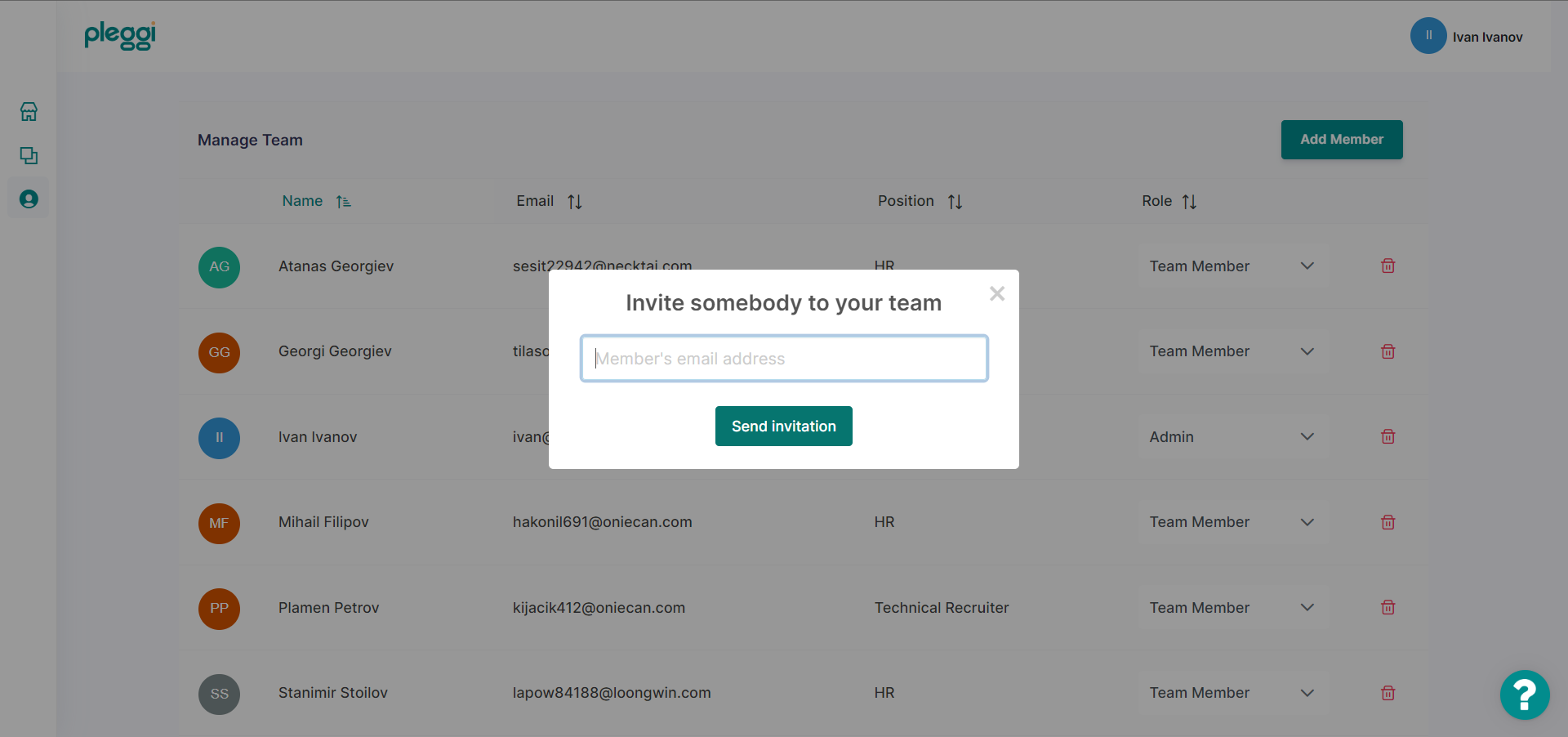
3. Enter the email of the team member you would like to add
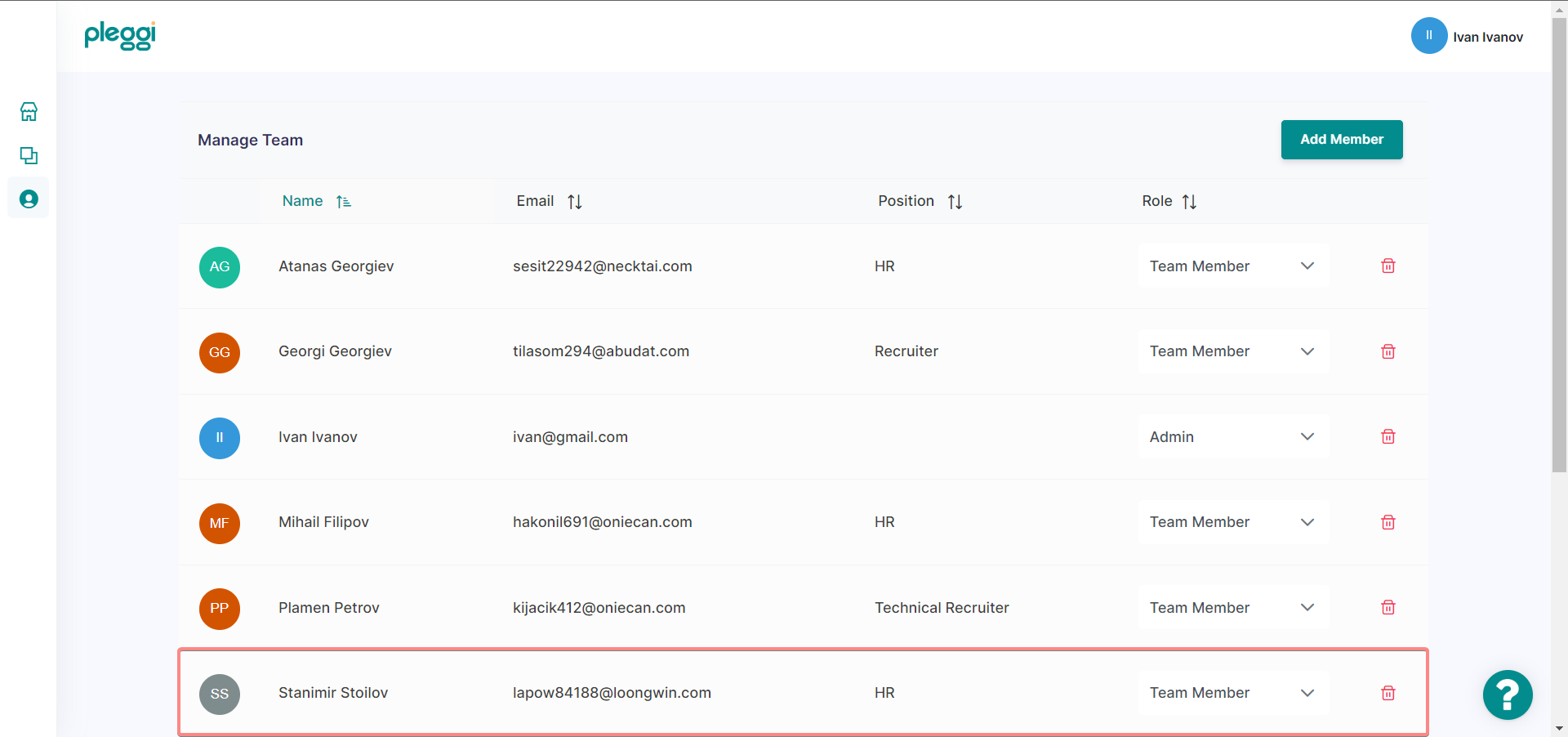
4. After acceptance of the invitation, the new member is successfully added to the team.
1. Choose the team member's role from the "Role" column
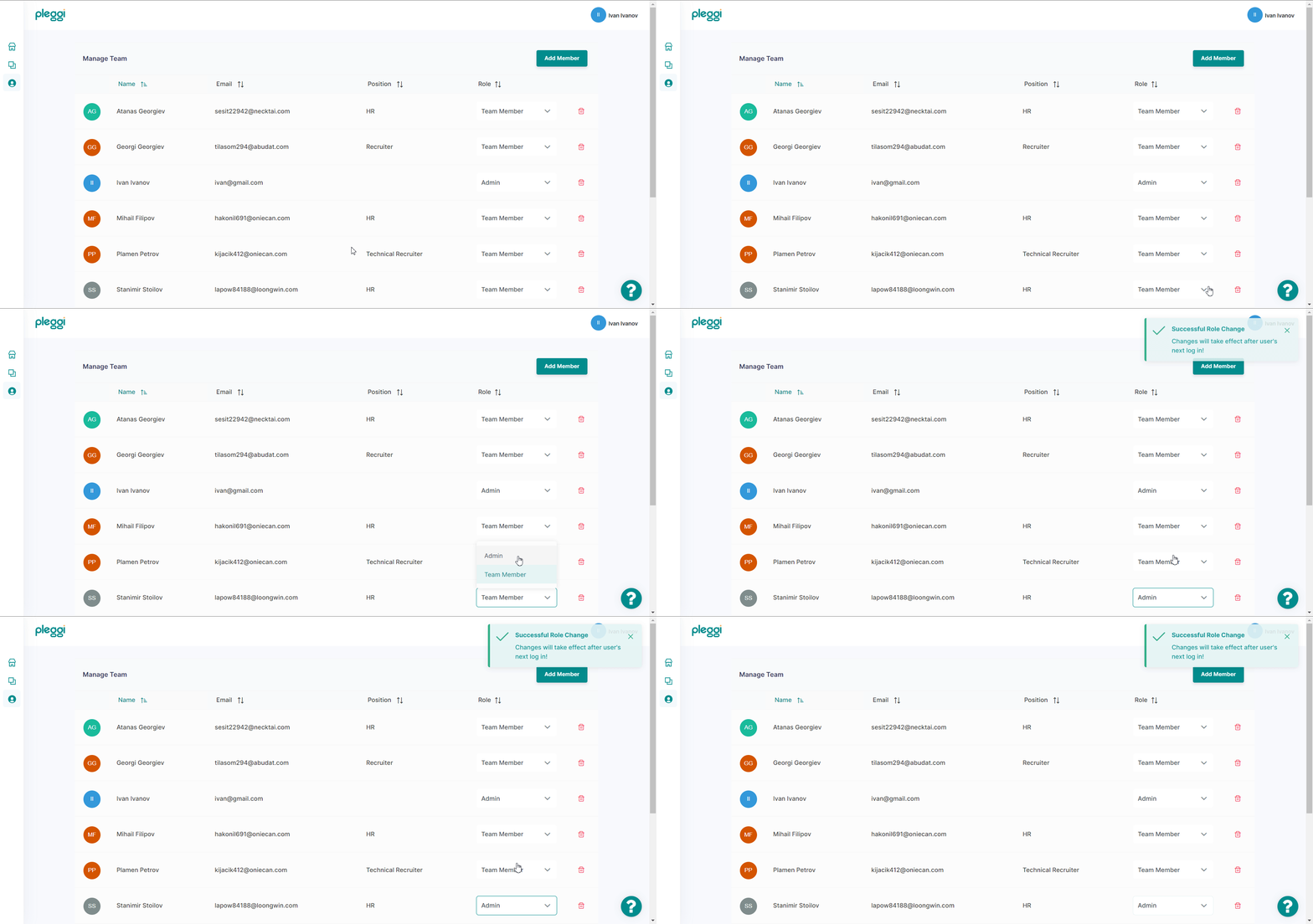
Important! Changes will take effect after the team member's next log-in!
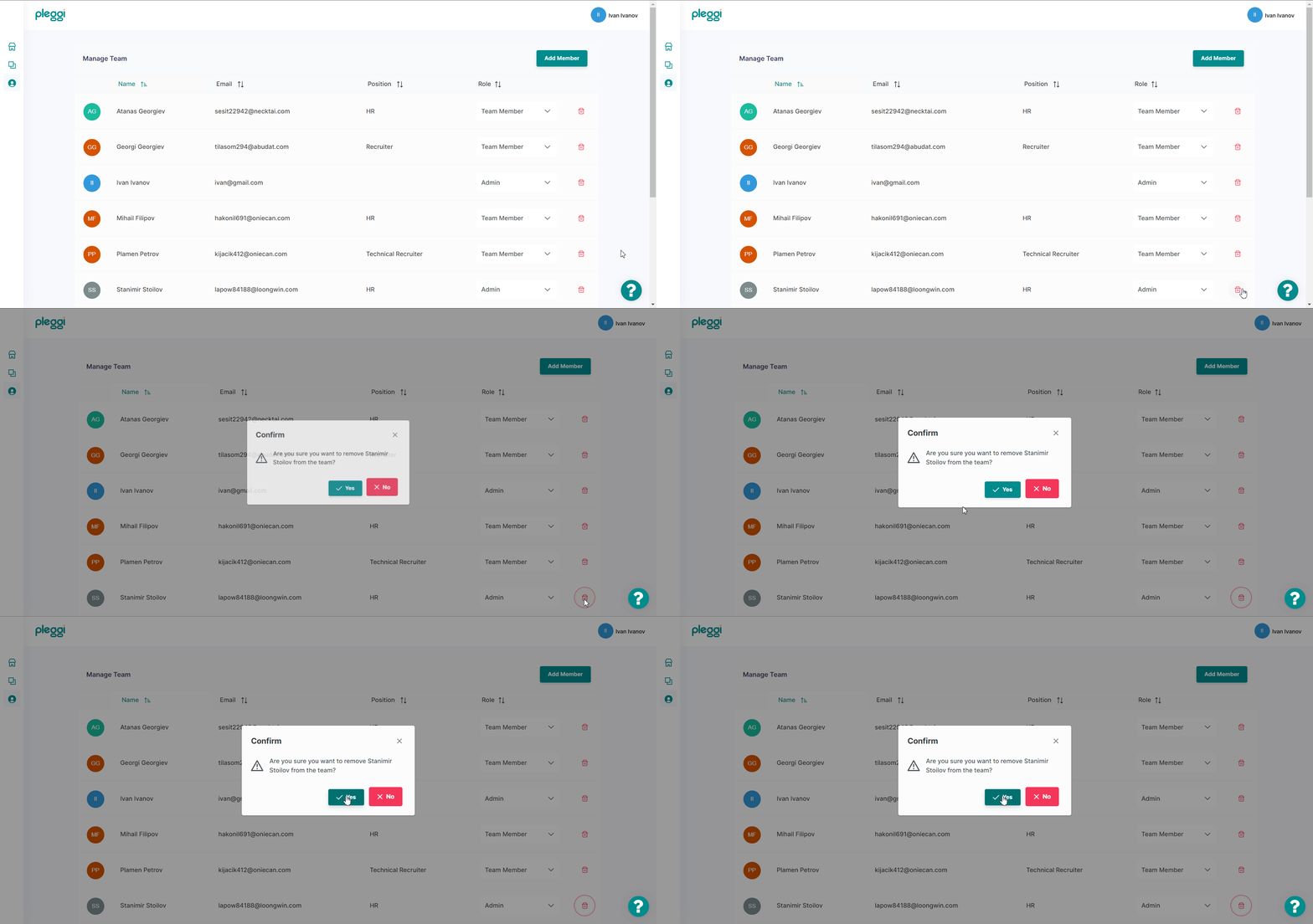
1. Click on the red "recycle bin" icon and confirm deleting a team member
🚀 Elevate Your Hiring Game with Pleggi!